

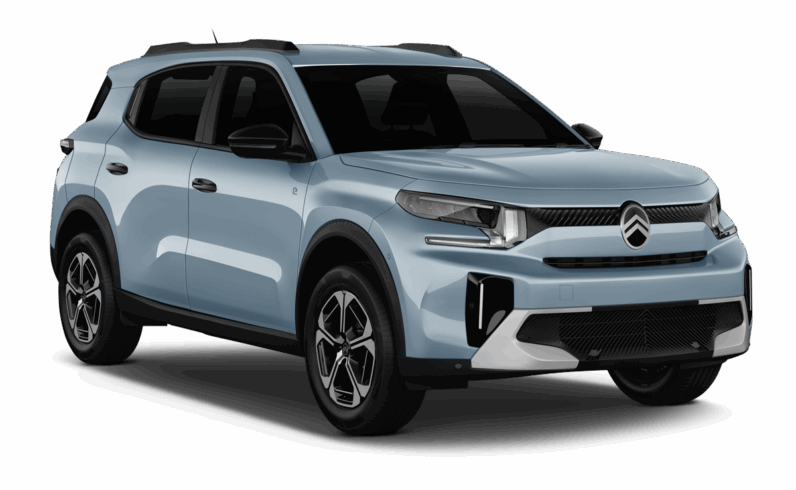
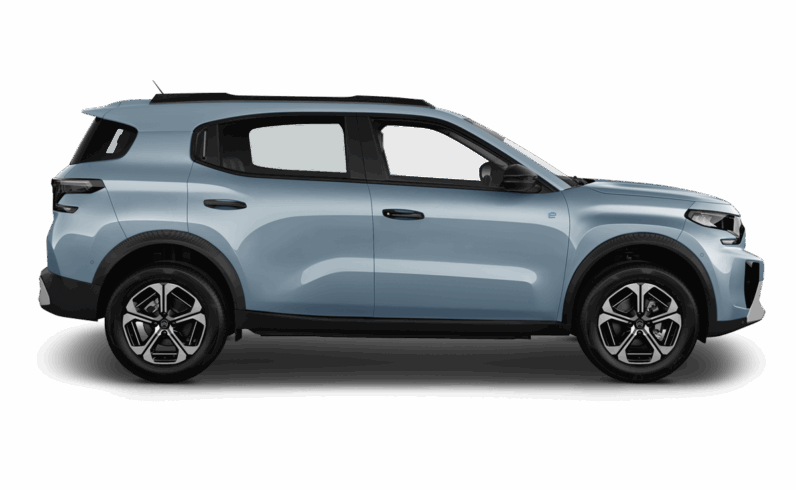
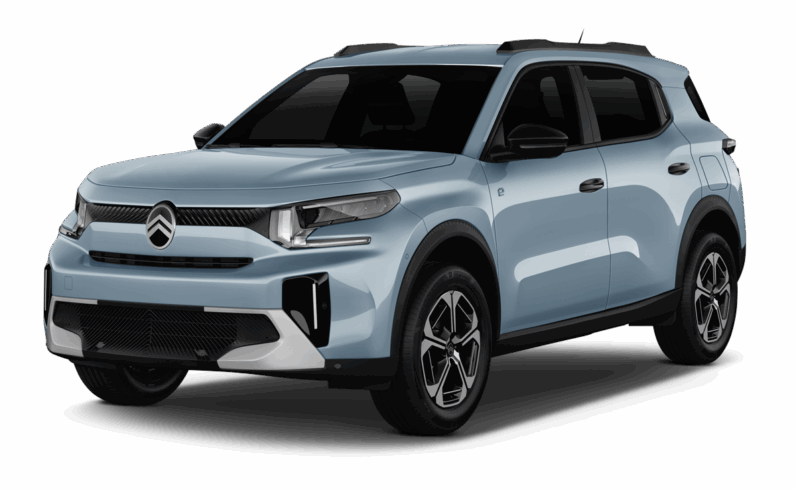
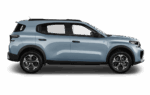
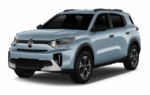
Citroën ë-C3
or Similar Economy 5 seats
 5 doors
 2 luggages
 Automatic
 A/C
A/C
Driving Range:
 320km
Car Manufacture Official Range
320km
Car Manufacture Official Range
 315km
Urban
315km
Urban
 260km
Motorway
260km
Motorway
Charging information:
 10h /100km
Domestic socket (Xkw/H)
10h /100km
Domestic socket (Xkw/H)
 4h /100km
Standard charger
4h /100km
Standard charger
 26m /100km
Fast charger
26m /100km
Fast charger
Key features
The silhouette The Citroën ë-C3 features a modern design with clean lines and a compact silhouette, ideal for city driving.
The ë-C3 experience Designed to be an affordable electric city car, the ë-C3 offers a smooth and quiet ride, with a focus on comfort thanks to the Advanced Comfort® seats.
Getting started
At Europcar we strive to make your car or van hire experience as simple as possible. Here we have put together various topics of useful information, advice and help related to your electric vehicle hire.
Step 1
Step 2
Step 3
Use the key to unlock the doors by pressing the unlock button.
The car is now unlocked; you can open the doors.
Approach the door handle and pull to open the door.
Step 1
Step 2
Step 3
Press the brake pedal and the start button simultaneously. The start button is located on the right side, behind the steering wheel.
As this is an electric vehicle, do not be surprised by the absence of noise. An alert message will indicate if the vehicle is not ready to drive.
Press the brake pedal and select 'Drive' (D) with the gear selector to begin driving. The gear selector is located to the right of the driver's seat.
Step 1
Step 2
Step 3
Press the brake pedal and select 'Drive' (D) with the gear selector.
Release your foot from the brake pedal, and the vehicle will begin to move slowly without any engine noise, as it is an electric vehicle.
Drive the electric vehicle like a traditional car, using the accelerator pedal to accelerate and the brake pedal to decelerate or stop. Use Eco Drive mode to limit acceleration and heating, gaining at least 5% more range.
Step 1
Step 2
Step 3
When you are in a safe and appropriate parking spot, keep your foot on the brake and put the vehicle into 'Park' or 'P' mode using the gear selector. Turn off the vehicle by pressing the power button.
Exit the vehicle and ensure that all doors are properly closed.
Press the button on the key to lock the vehicle.
Step 1
Step 2
Step 3
The charging port is located on the rear left side of the Peugeot 208. To open the charging port cover, ensure the vehicle is unlocked, press on the charging port door, and release it - the door will open to reveal the waterproof cover of the socket. Remove the socket cover to expose the combined charging port.
Before starting the charge, you must ensure that the vehicle's power system is turned off. To begin charging, insert the connector into the charging port and lock the vehicle using the key.
When charging is complete, unlock the vehicle; the cable will unlock. Gently pull the connector to remove it and store the cable. You can stop the charging at any time by unplugging the charging cable.
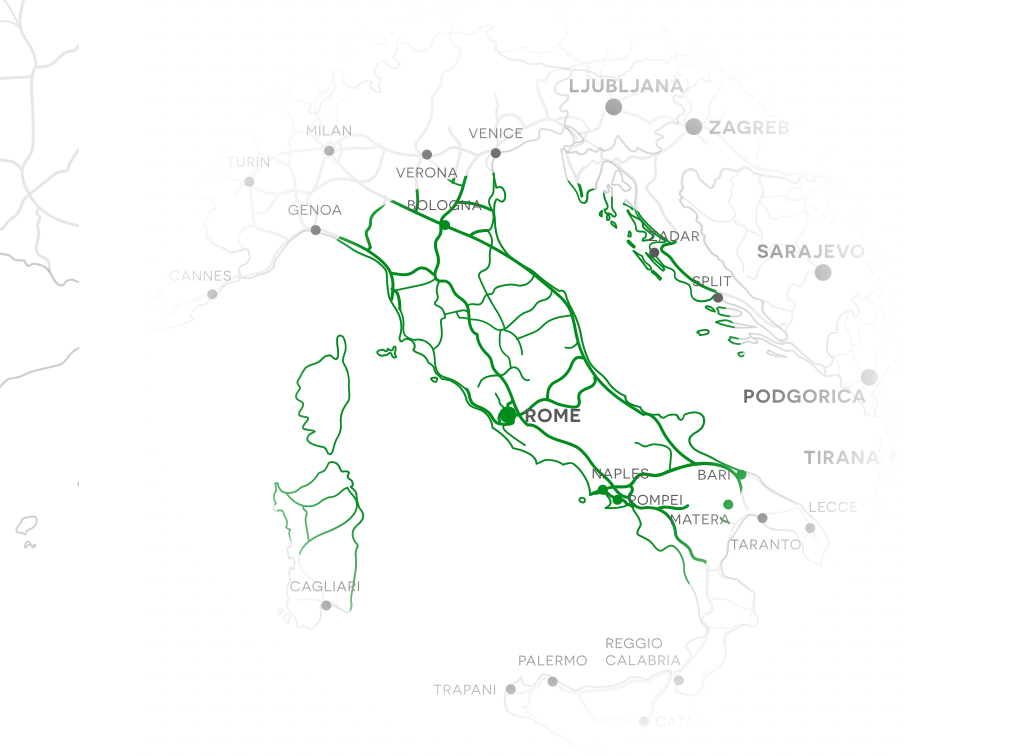
Electric route planner

Enjoy peace of mind with your travel planning. Calculate the ideal route and charging stops according to your vehicle and preferences.



Frequently Asked Questions
Make the most of your trip! Find answers to the most commonly asked questions about electric vehicles.
- Does additional load influence the range of electric vans?
- Are electric vehicles more environmentally friendly than gasoline or diesel vehicles?
- How often do I need to charge the car?